
If your applictaion is pending, you can continue your application as follow steps guide:
Step 1
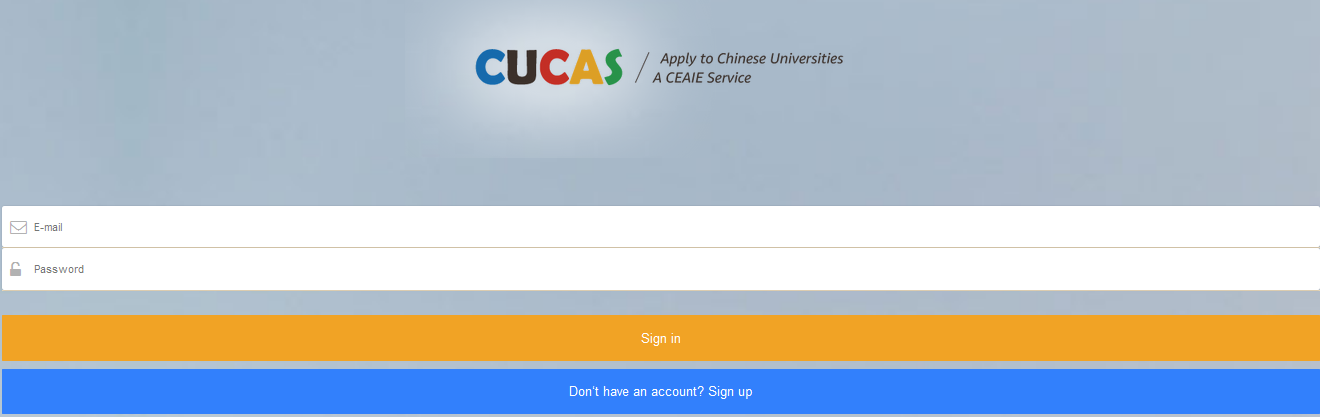
Log in your account
- Log in through PC

- log in through mobile
Step 2
Check “My Application”
- You can check all your different application status in "my application ", like" documents under verification, documents incomplete, documents is pending etc.
Step 3
Click the application whose status is pending.
Step 4
Check the material list you need to add, which is writen in red, and click the "Action" button to add the materials
- After you provide the application materials again, CUCAS will recheck it and let you know your application update status.